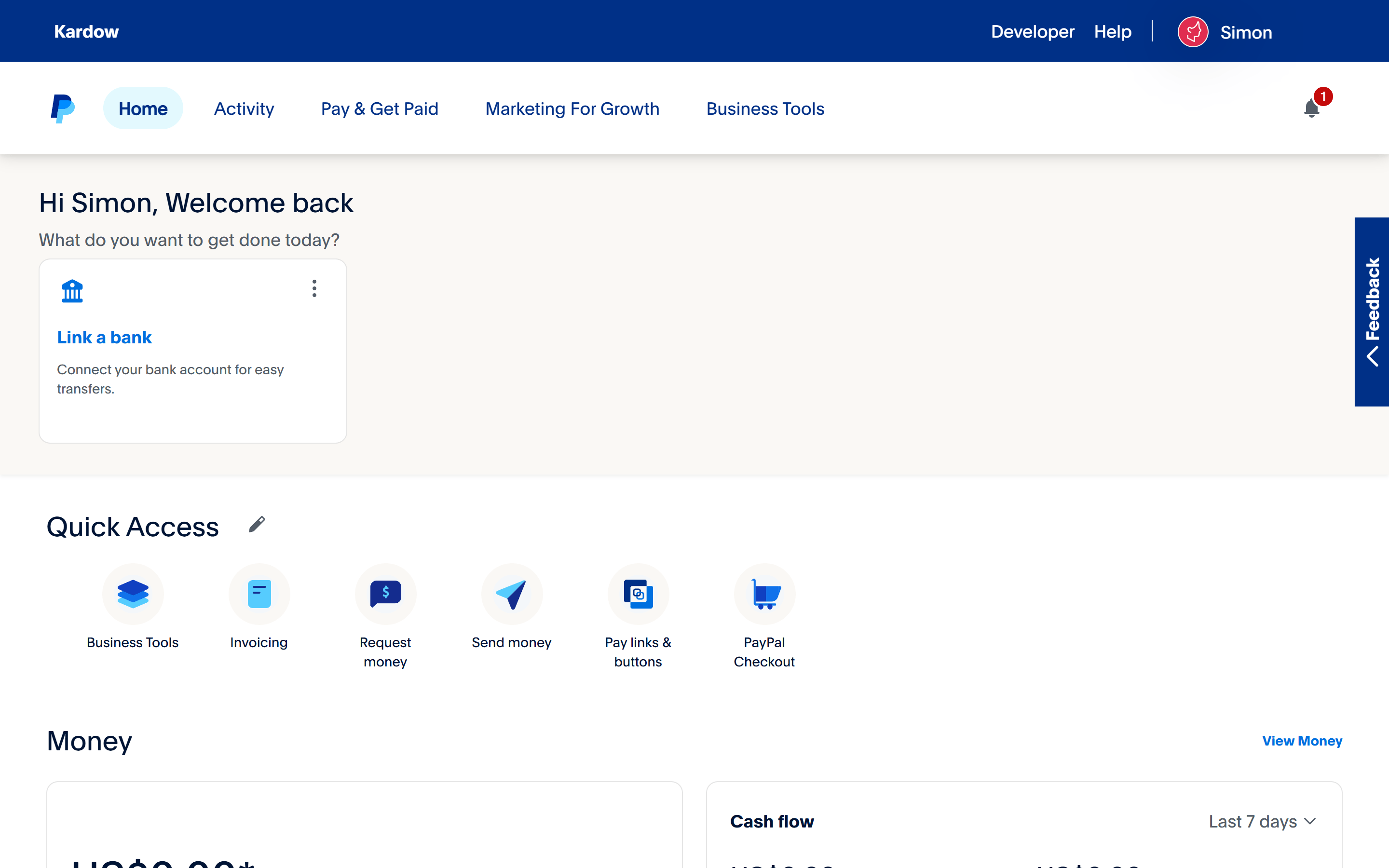
How to Create a PayPal Account (Step-by-Step Guide)
Follow these steps to create your PayPal account so you can receive payments for your job board postings.
Step 1: Go to the PayPal Website
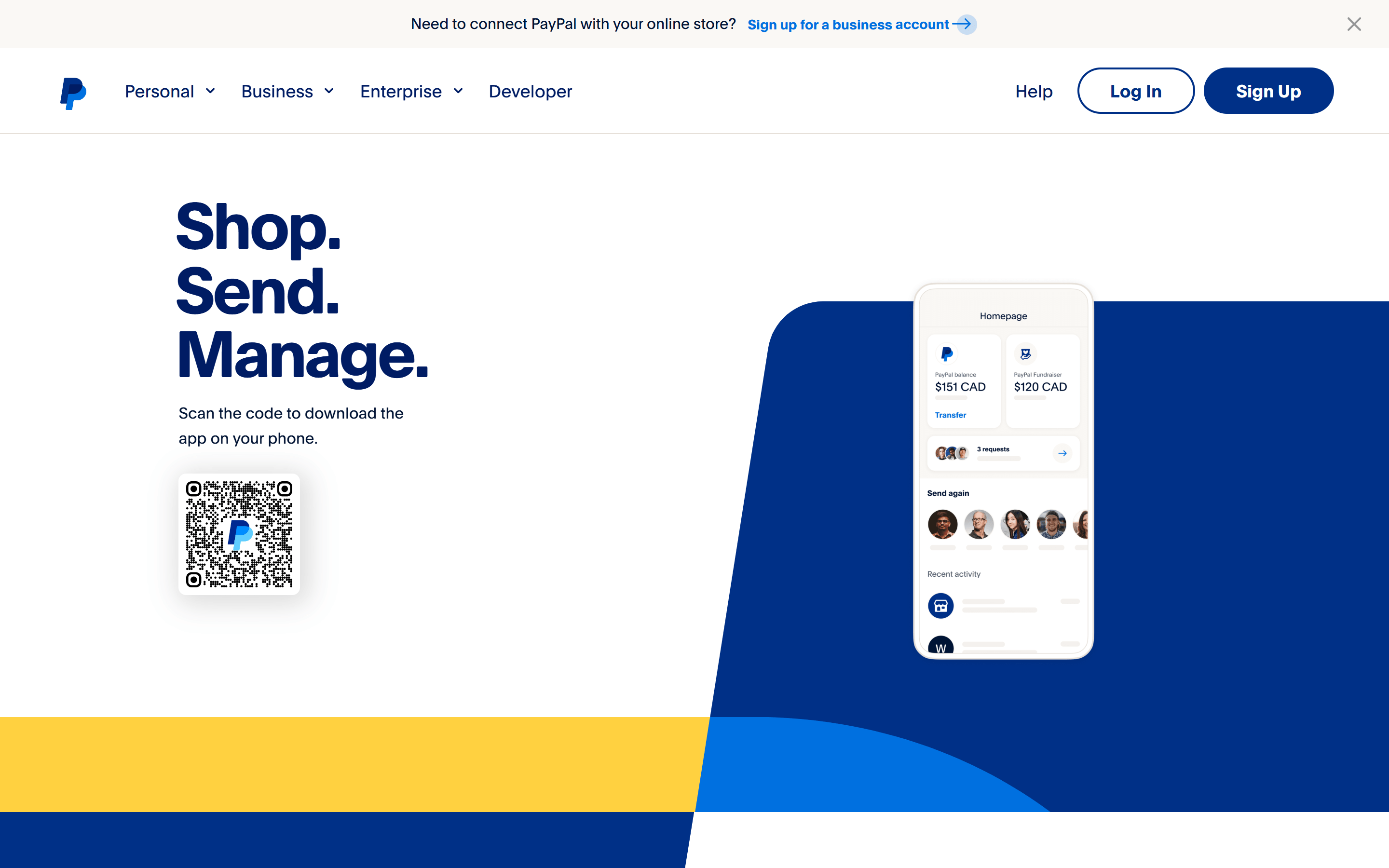
Visit www.paypal.com and click on Sign Up.
Step 2: Choose Your Account Type
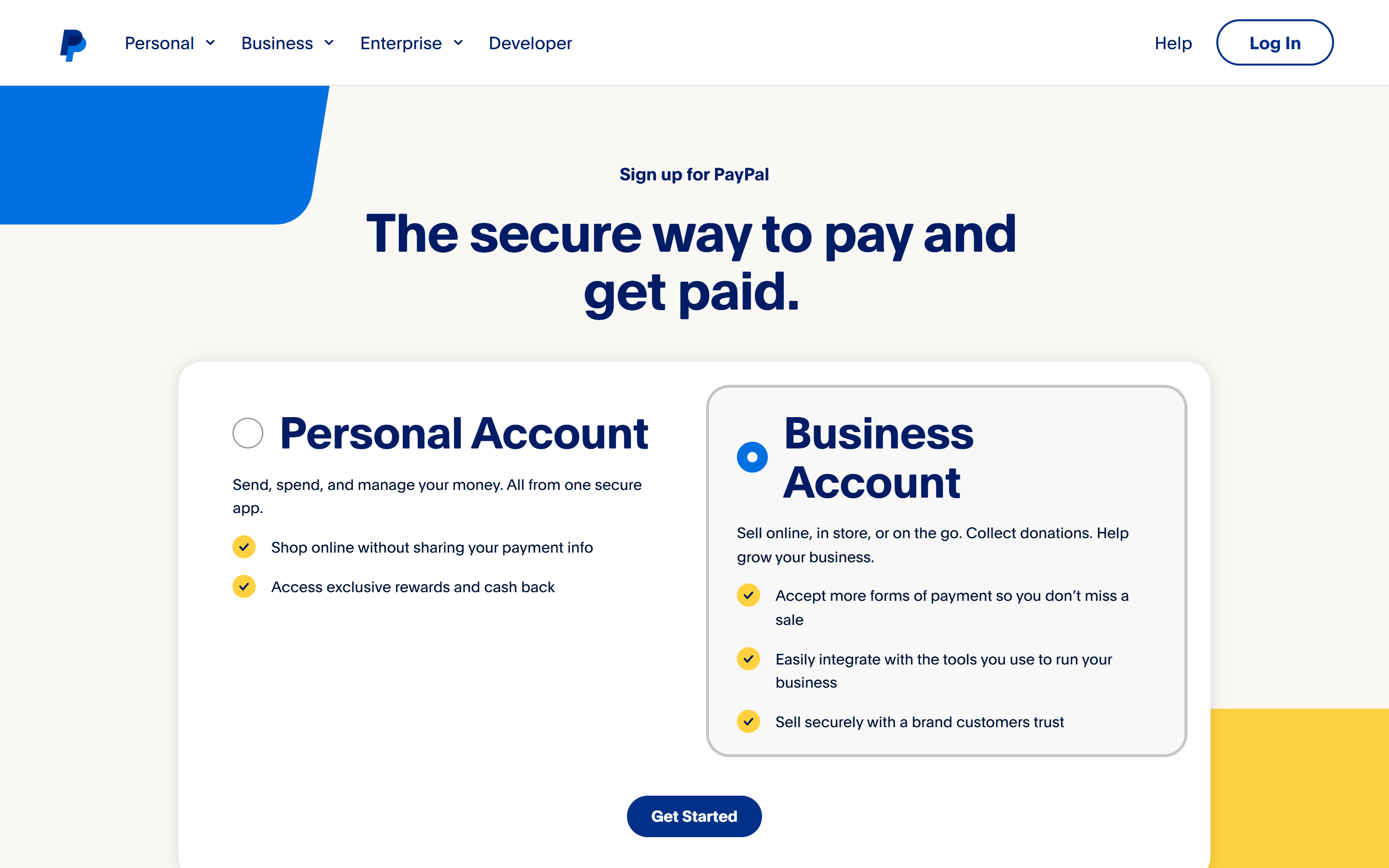
You will be asked to choose between:
Personal Account (for everyday use)
Business Account (recommended for receiving job post payments)
Select Business Account and click Next.
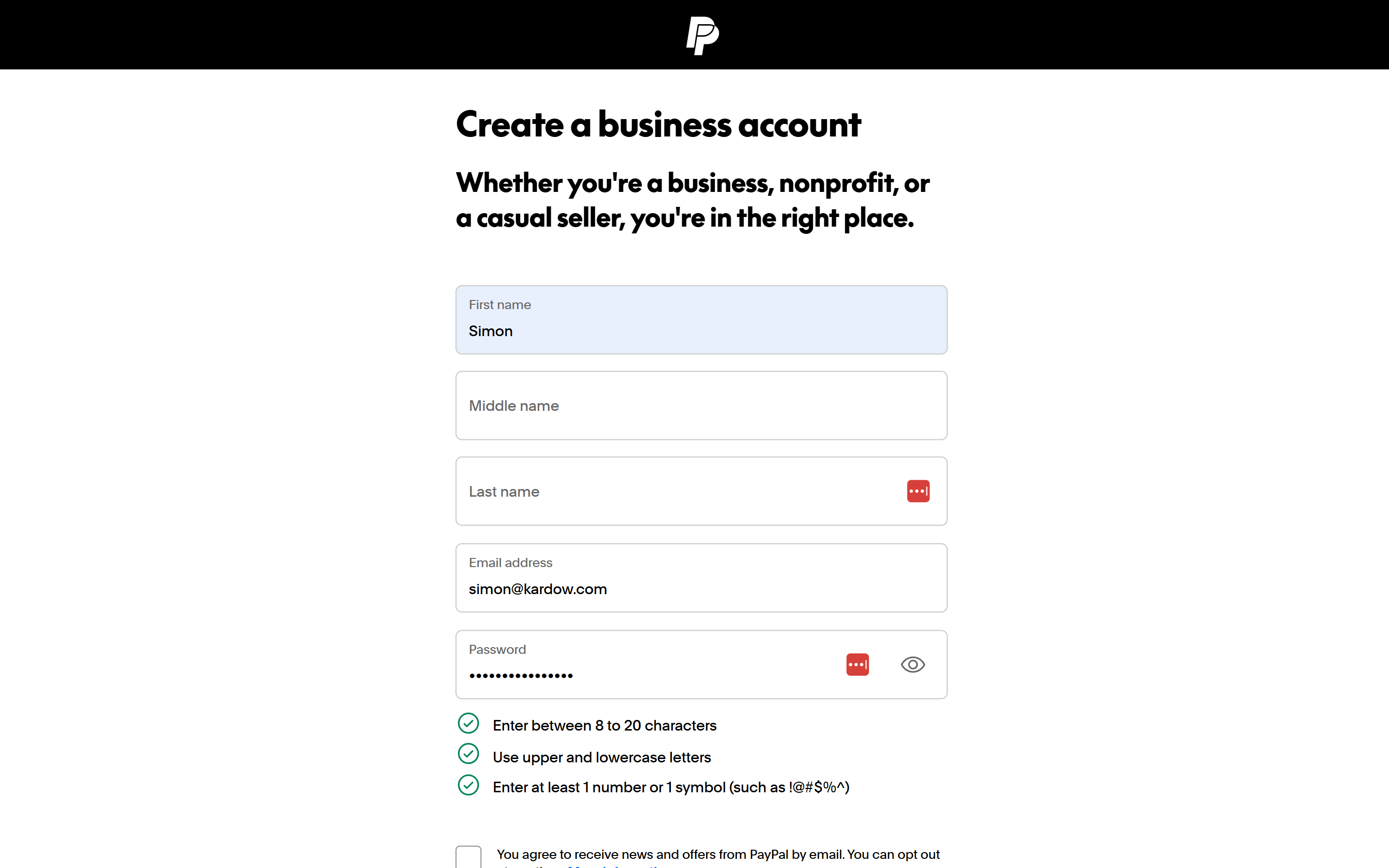
Step 3: Fill in Your Business Information
Add your details:
Business name (or your name if sole proprietor)
Business phone number
Business address Click Agree and Continue.
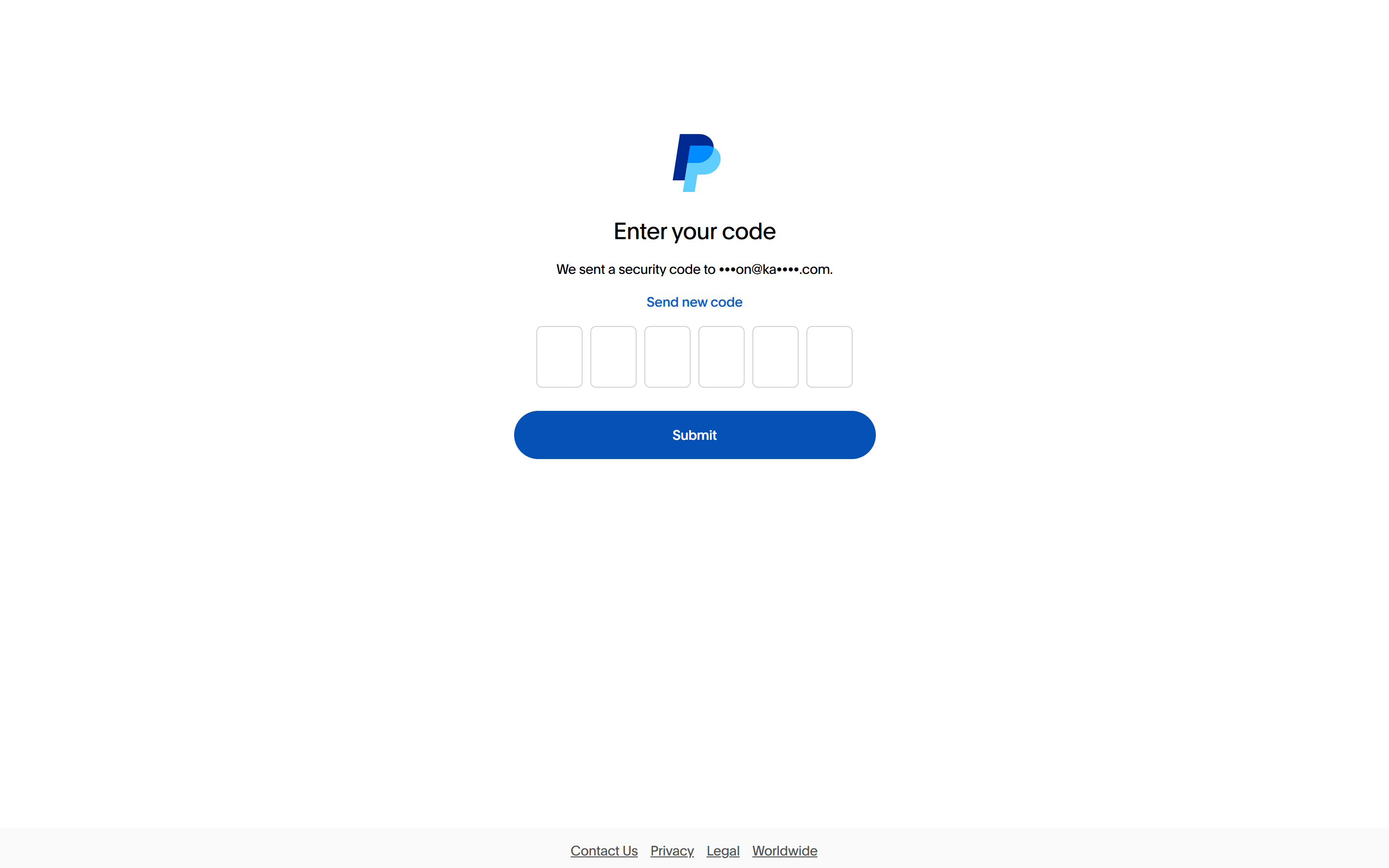
Step 4 - Confirm your email with a code
Check your email inbox for a message from PayPal. Click the Confirm Email button in the email.
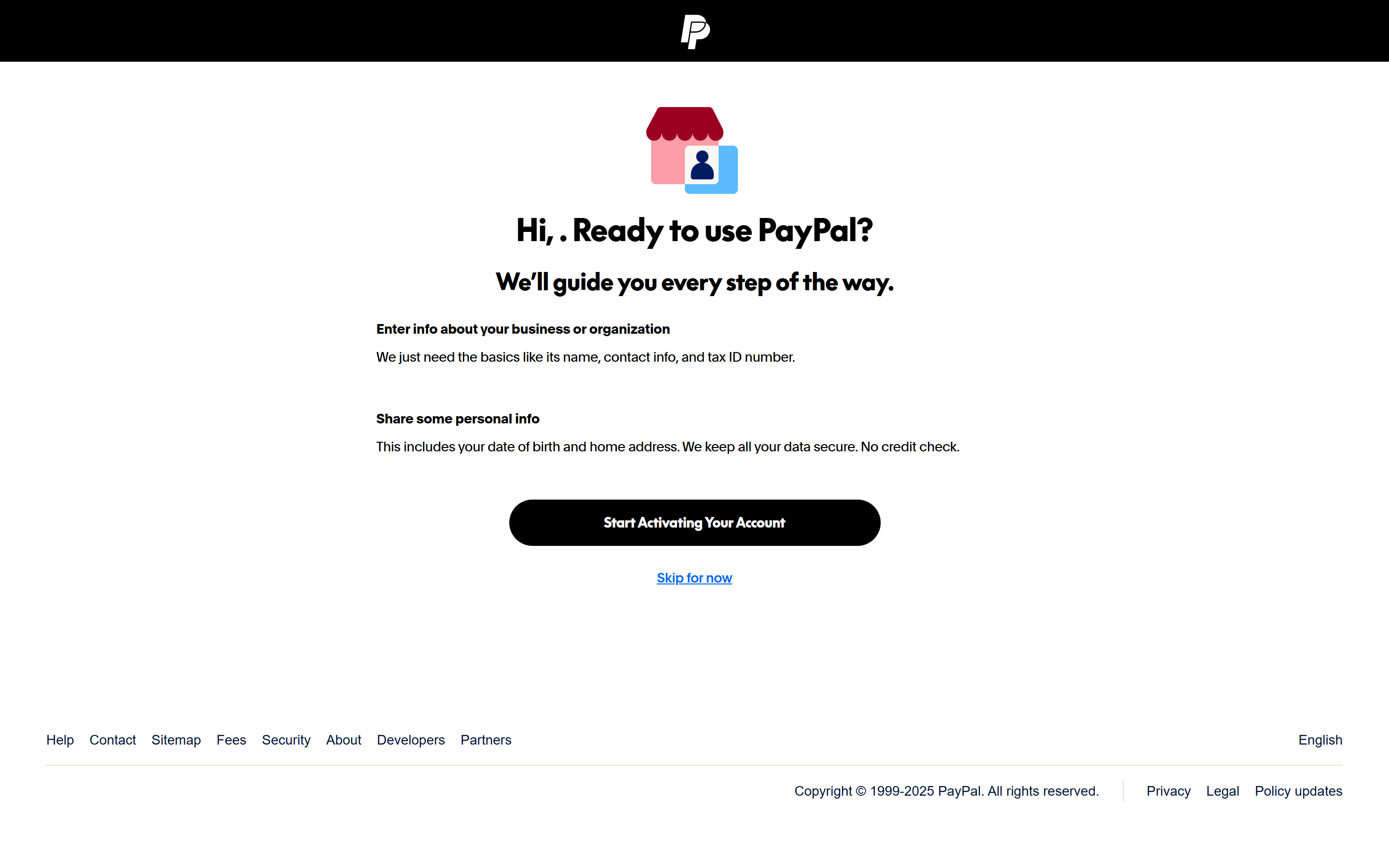
Step 5 - Activate your account
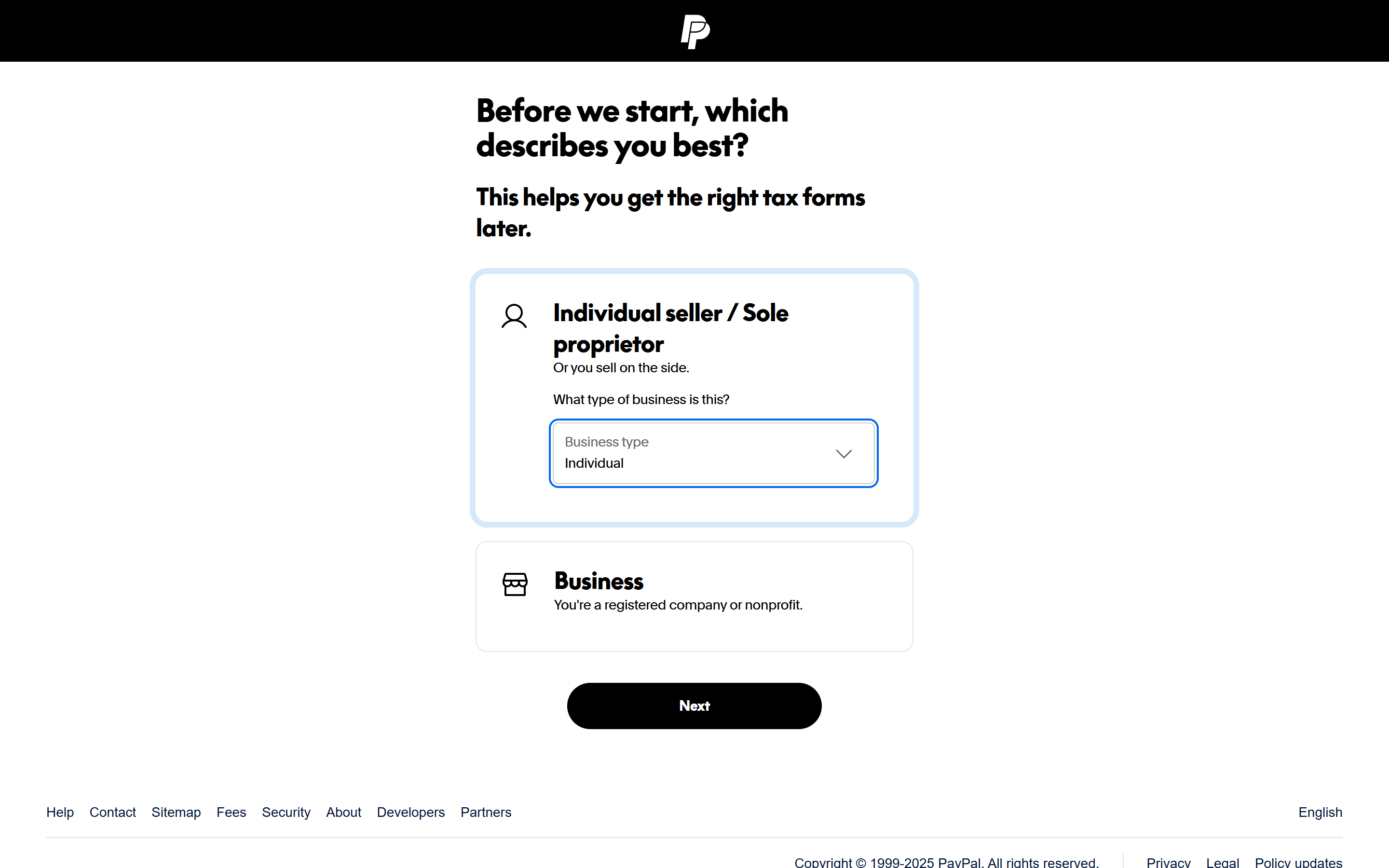
Step 6 - Choose whaty describes your business the best
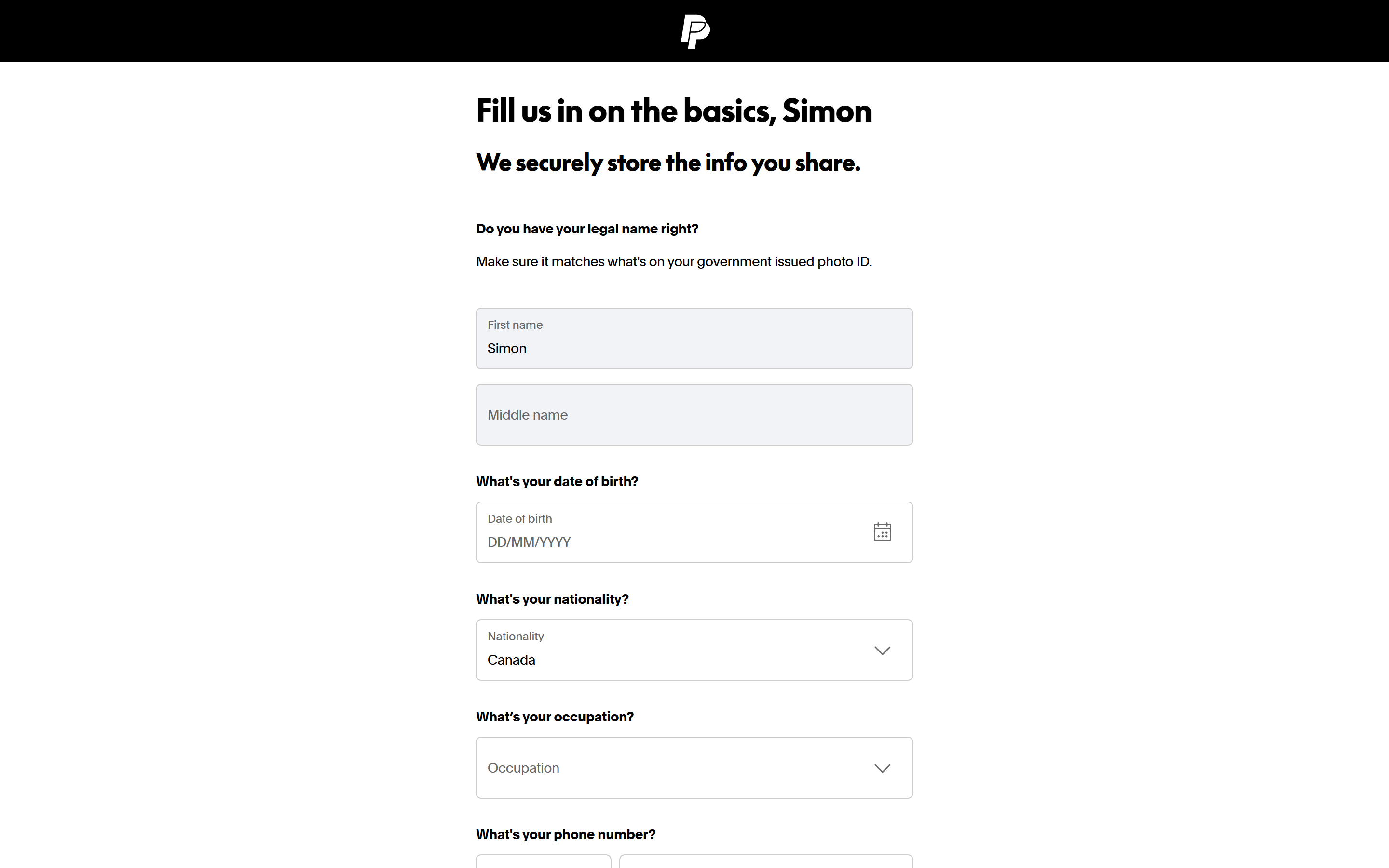
Step 7 - Fill in your personal details
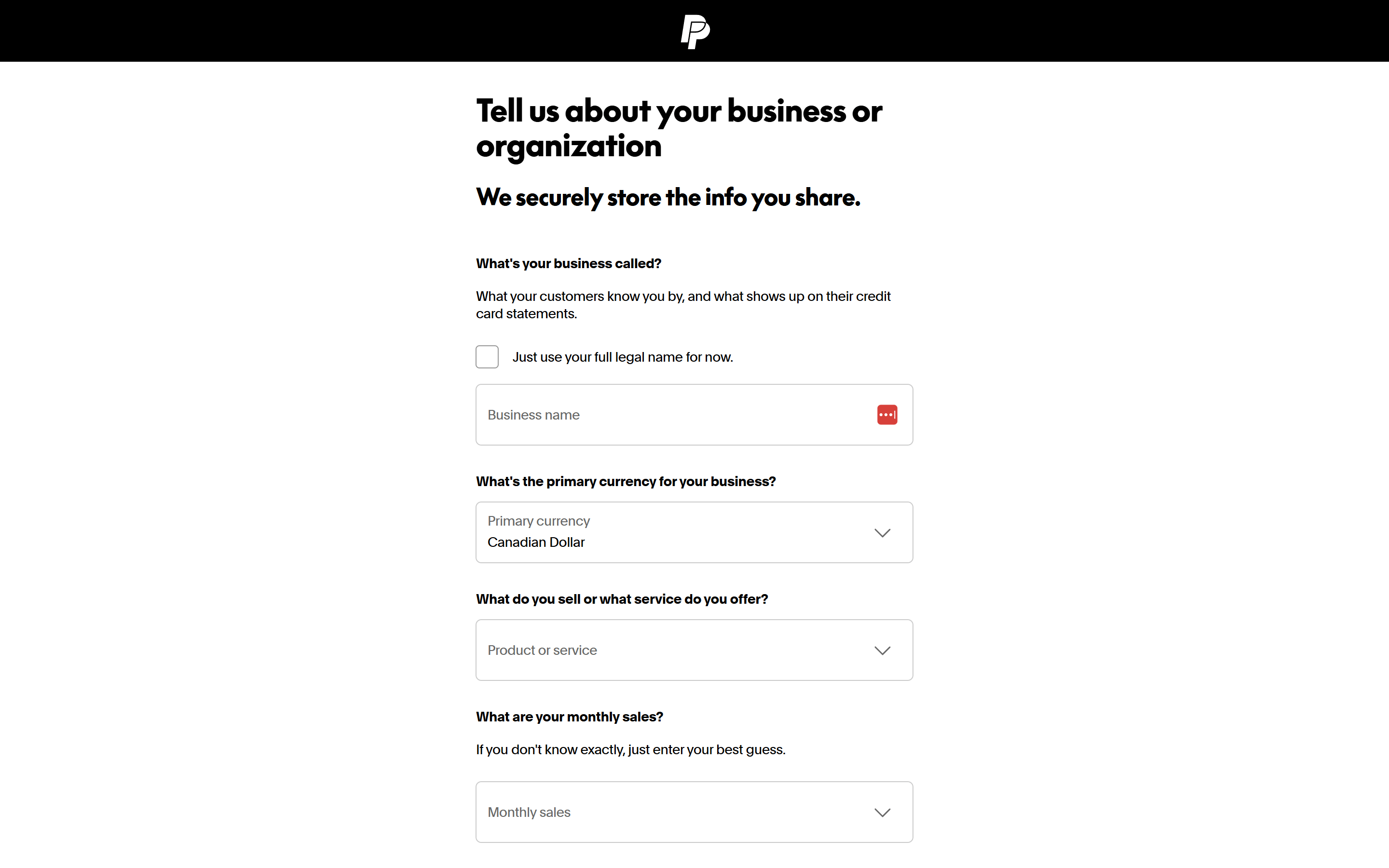
Step 8 - Fill in your business details
Step 9 - You are now registered with an account